


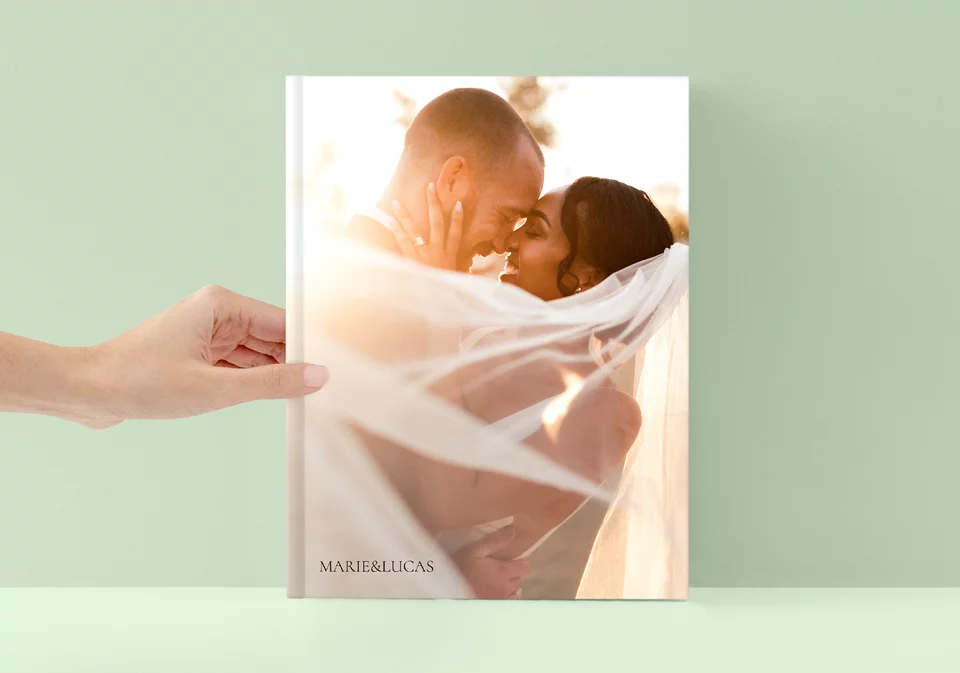


With the Layflat binding, you can place photos across an entire double-page spread without losing any detail

Developed on genuine FUJIFILM photo paper, we guarantee colour fastness for 75 years: enjoy vivid colours like on the first day.

All our photo products are made without a distracting manufacturer logo. Also, the production barcode can be removed.


Get inspired and start your photo book journey with this detailed video explaining all of the photo book options. Explore our award-winning quality, seamless layflat binding, and a wide range of customization options—from glossy and matte photo paper to unique covers like leatherette or linen. Whether you're a professional photographer or a quality-conscious customer, this video will guide you through the available options to help you choose the ideal photo book for your next project. Watch now and bring your ideas to life!


We're proud of consistently earning quality recognition from Germany's leading photography and product review experts.


Thanks to our Layflat binding, you can place photos across an entire double page spread without losing any part of the image. In order to provide you with sufficient space, our photo books range from 26 to 160 pages, depending on your choice of page type. You can also easily add more pages to any photo book in two-page increments.

Get creative and choose the perfect cover for your photo book. You can opt for a glossy or matte finish, or choose one of our various special covers. If you choose our glossy and matte photo covers, you can personalise them with photos, text and clip art.

Impressively high colour depths as well as a special lustre effect are achieved with the glossy surface. You can use pictures, texts and clipart for the design.


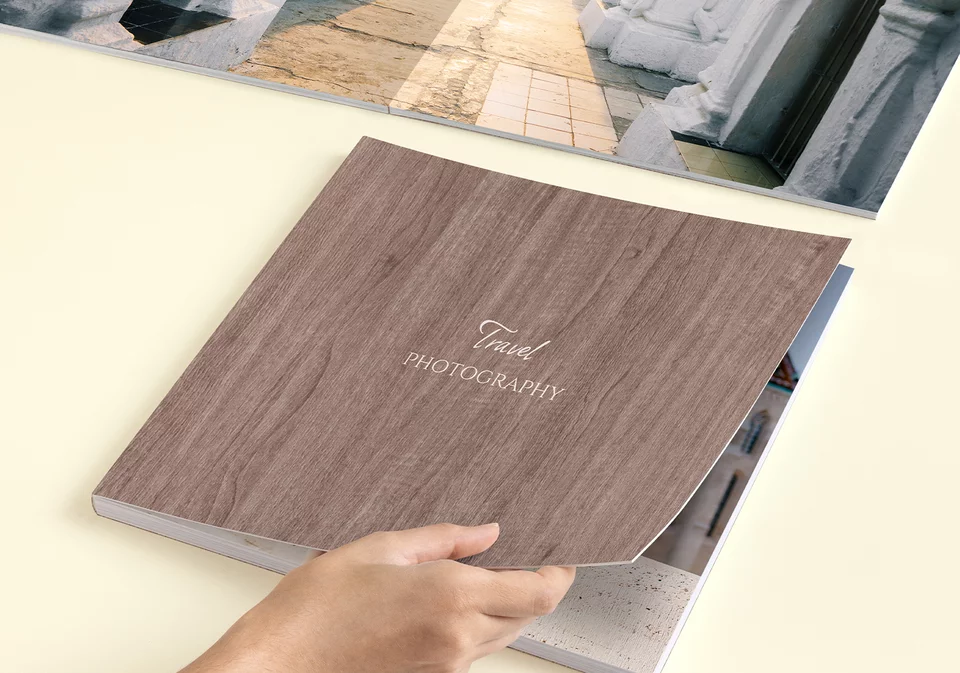
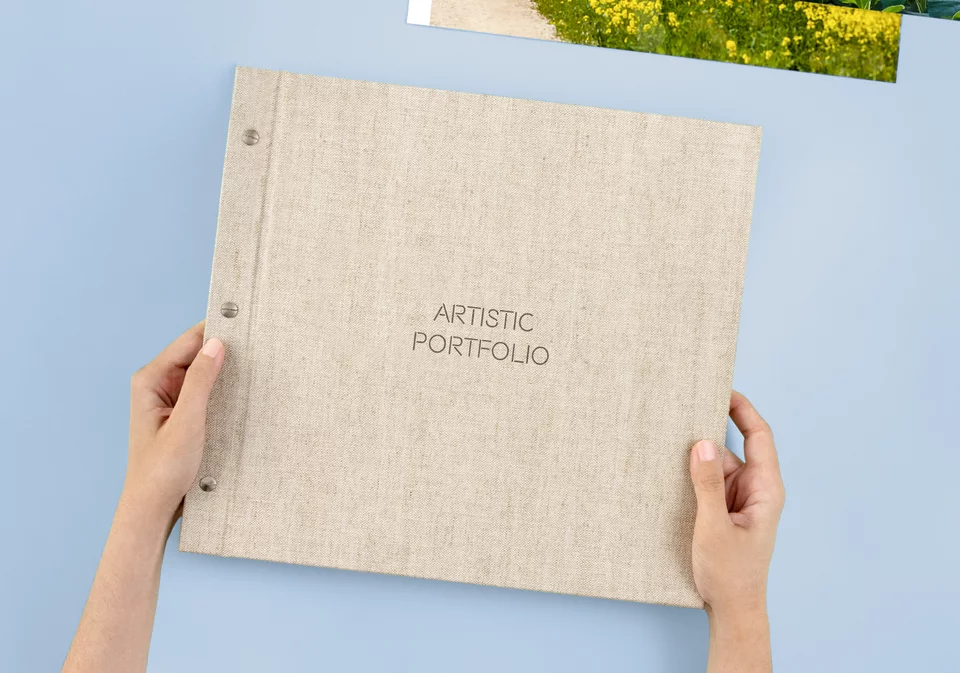
Our special leatherette, linen, cork or wood-look covers give your photo book a particularly classy appearance. Each special cover is available in different colours and you can either include personalised inscriptions and clipart or simply keep it clean and fresh.

The FUJIFILM Crystal Archive HD Album Glossy paper provides a smooth and high-gloss surface for pure whites and very high detail rendition.


Our handmade Premium Gift Boxes are the perfect way to protect your Photo Book and create a great presentation. They are available with different luxury finishes, such as leatherette and natural linen, which you can personalise with custom text and clipart, or even add an acrylic cover, where you can also add pictures. Personalise yours now and give your Photo Book the perfect match. All without a manufacturer's logo.

This gift box with a high-quality cover of natural linen suggests a romantic look. The inlay made of elegant black leatherette creates an ideal presentation for your photobook.


Looking to add something extra to your Photo Book cover? When you choose a matte or glossy photographic cover, you can enhance it with one of our premium special finishings. Text boxes and clipart are transformed with a high-quality metallic effect, a subtle gloss, and a raised texture you can see and feel.
This premium finish is available in gold (as pictured), rose gold, and silver.

A discreet barcode is placed on the back cover of every Photo Book, carefully positioned so it doesn't interfere with your unique design.
For those who want a seamless, polished appearance, you have the option to remove the barcode easily with just one click during the customization process.

Enhance your Photo Book with the option to add soft padding to the cover, available for all types: glossy, matte, leatherette, or natural linen.
This 3mm layer of soft padding adds a refined look and offers a premium, comfortable feel whenever you hold your Photo Book.

The XT Photo Book features ultra-thick pages, each reinforced with sturdy 600 g/m² cardboard for a special quality and feel.
Although the added thickness limits the total number of pages you can include, this option is ideal for shorter Photo Books where you want maximum durability and a premium, luxurious finish.

Time is precious. That is why we offer a range of predesigned Photo Books for many different themes and occasions. Each design is carefully created to provide you with a complete, visually consistent album without the need to start from scratch.
You will find this option when you begin creating your Photo Book. Select “Predesigned” and browse the available categories such as wedding, baby, yearbook, or travel. Once you have chosen a design, simply add your photos to the prepared image slots. The structure, layout, and flow are already established. You save time while still creating a Photo Book crafted with the high-quality materials for which Saal Digital is renowned.

Improve your photos with one click. Our AI-powered image enhancement analyses each image and automatically optimises it so your pictures look their best. It adjusts brightness and contrast to reveal more detail, fine-tunes colors to make them more natural and vibrant, corrects red-eye, reduces image noise (graininess) and re‑sharpens soft areas for a crisper look.
You stay in control: you can turn the Image Enhancement on or off at any time while designing in our app for iOS or Android, our online webshop or our desktop software.

Capture your most cherished memories with the exceptional quality and design of our Professional Line Photo Books. Handcrafted using luxurious materials and featuring elegant layflat binding, these Photo Book bring a special touch to your wedding and significant moments, and is the favourite choice for professional photographers. Discover the best Photo Book that we offer, 100% customisable.


Discover the different design options the Saal Design Software offers you to create your fully personalised Photo Book. In this video we introduce you to the various configuration options and some of the functions available to you to design your Photo Book according to your exact specifications.

“Saal Digital is this year’s test winner, both among digitally printed photo books and among photo books on photo paper. Above all, it achieved the best results in the areas of range and software.”
“Saal Digital delivered the finished photo book to us in just two days — perfect for last-minute gifts. Saal Digital consistently delivers: Last year, the provider also delivered within just three business days.”
“Saal Digital’s dominance in the two major categories is rounded off by its repeated victory in the ‘Value for Money’ category.”


 Our recommendation
Our Photo Books contain 26 to 160 pages depending on format and paper type. Some exceptions: the 42 × 28 cm Photo Book supports up to 130 pages, and the XT Photo Book normally allows 10 to 58 pages.
💡 Tip: Use fewer pages for thick paper, more pages for standard paper to keep binding elegant.
Saal Digital is one of the most awarded photo labs in Europe, with repeated CHIP “Testsieger” awards including CHIP 11/2025, plus top ratings from DigitalPhoto, fotoMagazin, Fotobuch Magazin, FOTOHITS, and CHIP FOTO VIDEO. We are rated 4.9 out of 5 stars across more than 235,000 verified reviews worldwide, with a Net Promoter Score consistently between 73 and 80, placing us among the highest rated companies in the photo printing industry.
Here is what sets us apart:
Professional quality — Photo Books are printed on genuine Fujifilm photographic paper with free layflat binding, allowing images to span double pages without any loss of detail
Trusted by professionals — tens of thousands of professional photographers across more than 25 countries rely on Saal Digital for Wedding Albums, Portfolios, and client deliveries
Production speed — most orders are produced and shipped in under 24 hours, without compromising quality
Outstanding value — professional grade quality at prices accessible to every customer who values quality
Hand inspected — many products are inspected by hand before shipping
100% satisfaction guaranteed — if something is not right, we will always find a suitable solution
All Photo Books are manufactured in our own laboratory in Germany.
Saal Digital’s editor displays clearly marked crop zones during creation. We recommend:
If your album arrives with incorrectly cropped photos due to a production error, you can just file a complaint at the Order Management.
Yes. Our albums with layflat binding are ideal for weddings because they allow uninterrupted panoramas in the centre. We use real photographic paper and offer premium cover options in linen or imitation leather. Many professional wedding photographers trust Saal Digital to deliver durable and elegant albums to their clients.
The most popular Photo Book for weddings is our Professional Line, thanks to its beautiful Acrylic cover.



Get exclusive discounts and designing tips! By signing up, you acknowledge our Privacy Policy. You can unsubscribe at any moment.
















 Change your country/language